Hitting the /environments endpoint
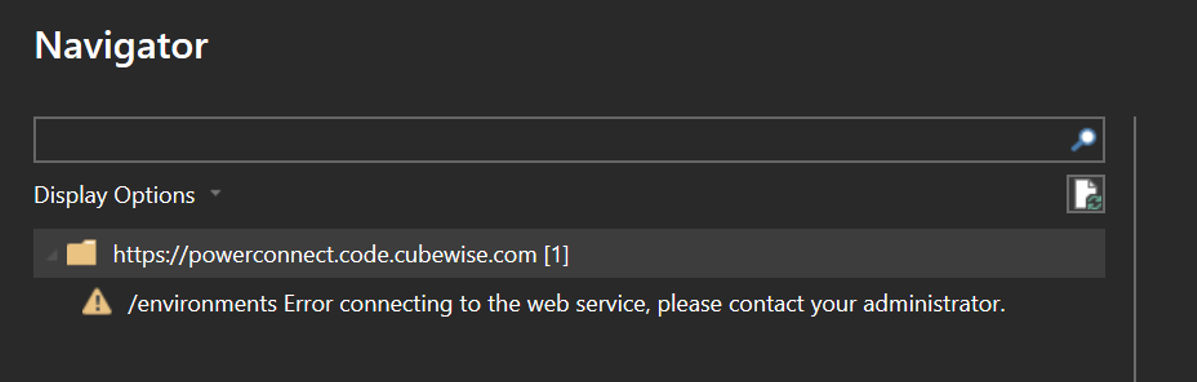
environments Error connecting to the web service
The /environments endpoint is the first call the connector makes to reach out the PowerConnect server.
If you are getting the following error:
The Most Common reasons:
The PowerConnect Server Application is down (check the Windows Services).
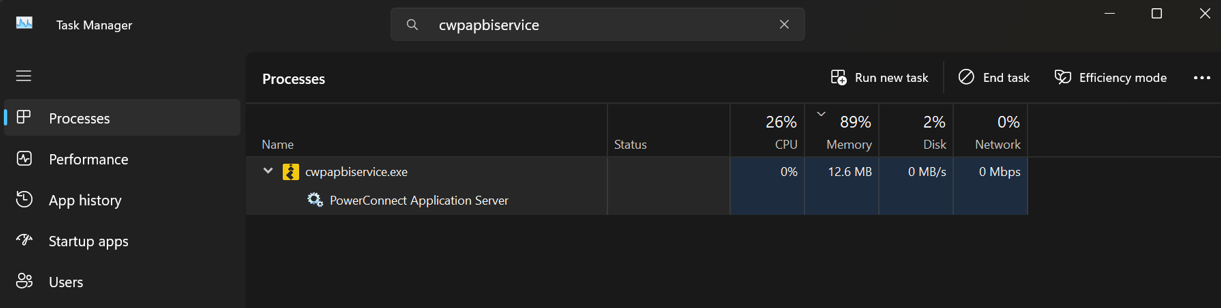
The settings.yml is not set up correctly. The yml files are picky about the format. If the format is not correct, the Application Server will not successfully run. When this happens, fix the settings.yml format and, from Task Manager, end the cwpapbiservice.exe task.
If using OAuth2 (Organizational Account) authentication, the connector should be pointing to a server using HTTPS. From 2.0.0 onwards, you should get a message warning you that the connector is using HTTP and not HTTPS.
The ports might not be open for the PowerConnect Application Server
A firewall is blocking the requests from the connector.