Batch Credentials Generation
Generation of credentials for Pulse TM1 servers can be done in batch. Supports Basic and CAM Authentication.
In summary, this is done by creating a CSV file and then uploaded into About | Settingspage of Pulse. Once successful, this will then generate credentials file inside temp folder of the Pulse server to be then transferred into within conf folder.
Detailed steps are as follows,
Create a CSV file with the following entries / contents
CAM field is optional. The row can have 4 or 5 (with CAM) fields
CAM field is optional. The row can have 4 or 5 (with CAM) fields
Go into
About | Settingspage and upload via the following

On successful upload on this version, no error will show. Files will then be generated into the temp folder under credentials of Pulse server
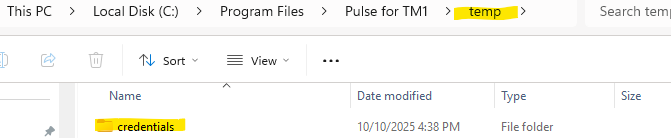
Inside this folder are the following sample contents,
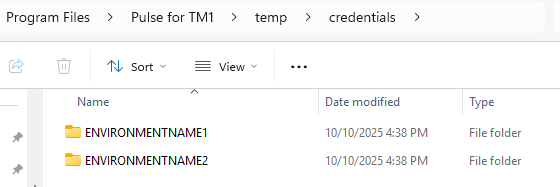
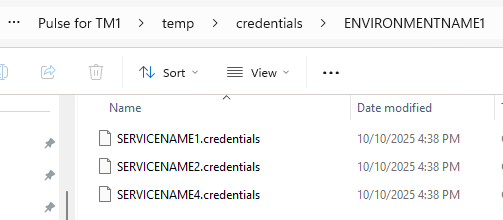
Stop Pulse Server Windows Services
Backup conf/credentials folder
Copy the content of credentials folder into conf/credentials folder
Start Pulse Server Windows Services
At this point, Pulse Server will be re-using the credentials we had just copied into conf/credentials folder to connect to these TM1/PA Servers.