Configuring the PowerConnect Connector
For the PowerConnect connector to appear in the “Get Data” dialog, the following configuration change needs to be applied to Microsoft Power BI Desktop:
Open the Options dialog in Microsoft Power BI Desktop:
File → Options and settings → OptionsNavigate to the Security options:
Global → SecurityActivating custom connectors:
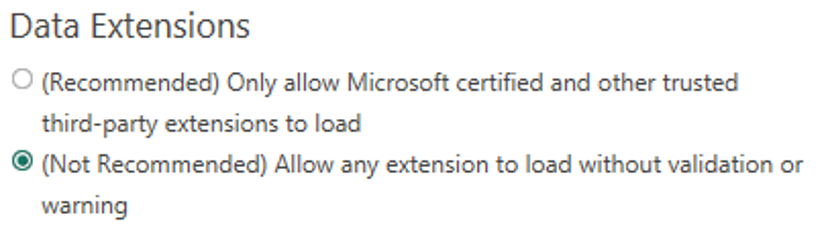
After changing this setting, Power BI Desktop must be restarted.
The first time the PowerConnect connector is accessed, the user must confirm using this custom connector.