Slice: Language and number format troubleshooting
Recommendation: setup
Why it works:
Slice override filled so Excel,
Use system separatorsand the Office language (step 1) stop mattering: Slice forces the locale.Arc decimal separator set to the same locale, so the only ambiguous case (
1.234) falls on the right side, and manual entry in Arc stays consistent too.Browser (step 5) is out of the picture since the patch.
Two fields, aligned, restart, and the result is deterministic, with no dependency on the workstation environment.
Scope: this covers decimal / thousands number formatting. Dates or anything else are a separate topic.
Diagnostic: the 5 checkpoints
The 5 points below are the diagnostic mode: for a customer who already has a problem and whose config you do not want to touch yet. They are not the setup procedure.
Check them in order.
1. Excel
File > Options > Advanced, then look at Use system separators.
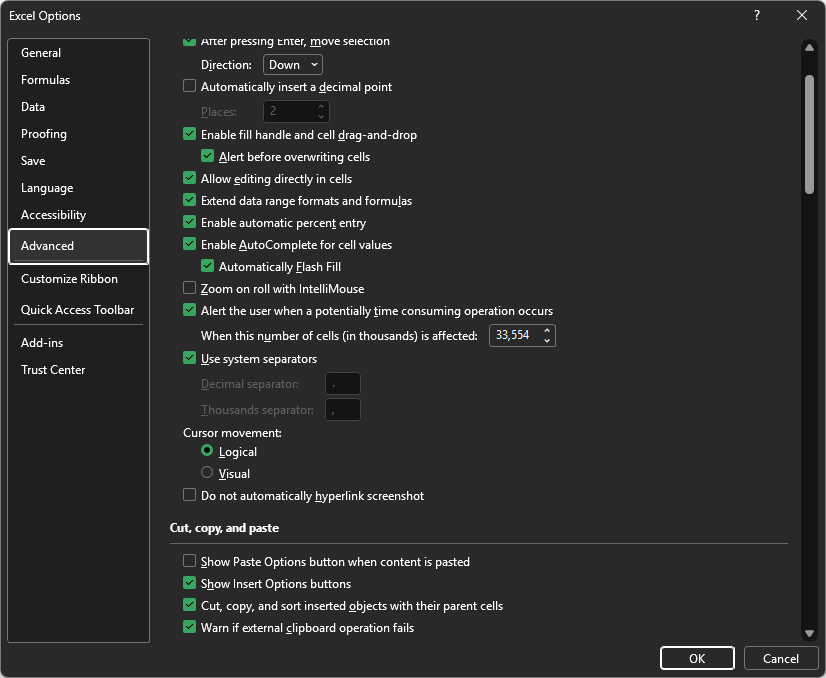
Unticked: the separators shown in the boxes below are the truth for Excel.
Ticked: go to
File > Options > Languageand check the language that will do the formatting.
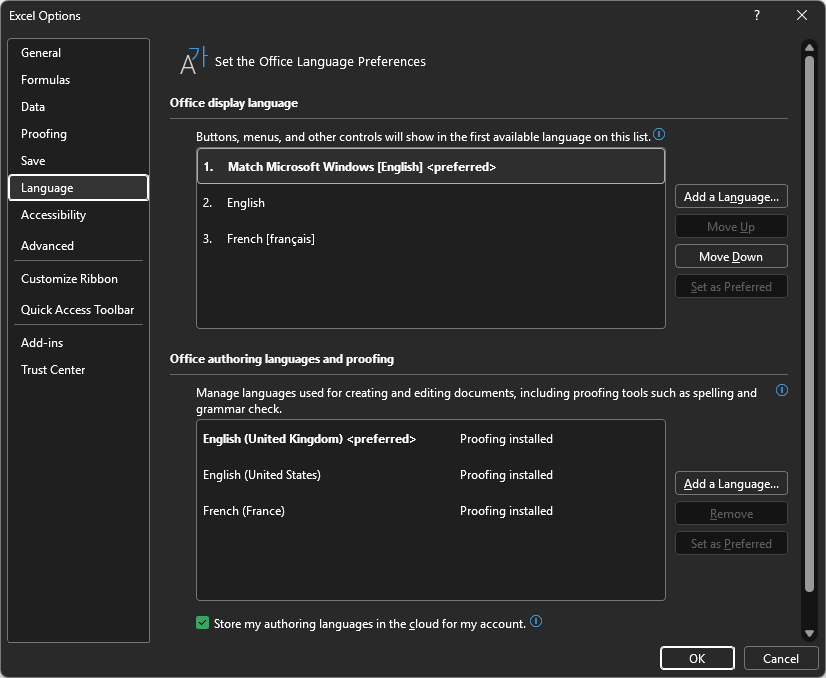
2. Slice override
Settings > AddIn, then look at Locale Override (Restart Required).
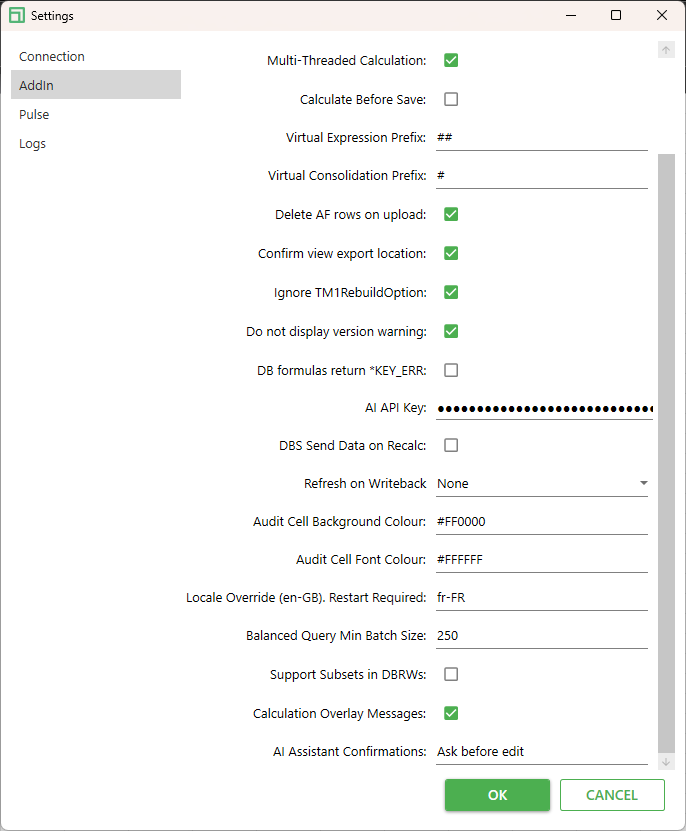
The field holds a locale code (here fr-FR) that is simply the value being forced.
If the field is filled, it takes over the Excel settings found in step 1.
If it is empty, Excel wins.
A restart is required for a change to apply.
3. Arc default display
When you open Arc, a view comes up with a default display.
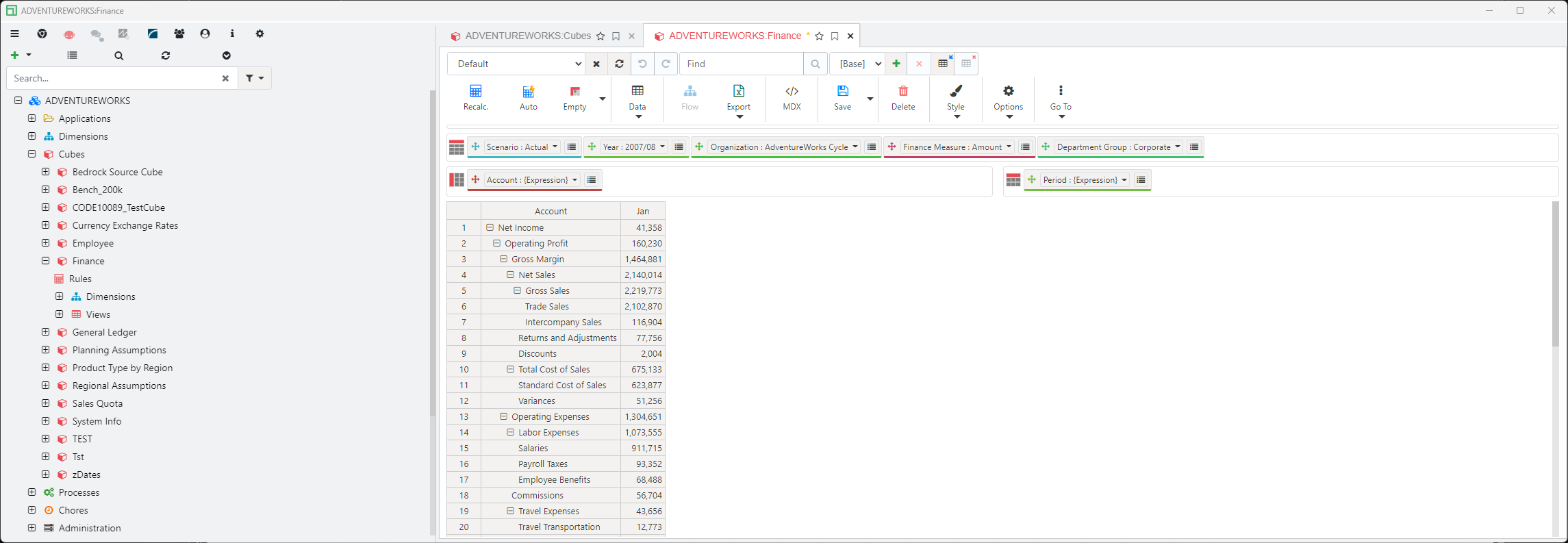
Since the latest patch, paste from Excel to Arc works regardless of the Arc configuration.
On paste, Arc reads the pasted text itself instead of the raw value Excel provides, and works out which of
.and,is the decimal separator from the shape of the number (parsePastedNumberinhot-grid.js, added by CODE-10616):
Case | Example | Result |
|---|---|---|
Both |
| the rightmost one is the decimal, the other is thousands |
Same separator repeated |
| thousands, but only if the digits form valid blocks (first block 1 to 3 digits, all the others exactly 3) |
Blocks are not valid |
| rejected, so it is handled as a date and not turned into |
One separator, exactly 3 digits after it |
| genuinely ambiguous, so it falls back to the locale decimal separator |
Anything else |
| that separator is the decimal |
It also handles
+/-, negatives in parentheses, a trailing%, spaces, and apostrophe grouping (1'234). Non-numeric text (spread commands, element names) is left untouched.The only case that can still be misread is
1.234: nothing in the text says whether it is one thousand two hundred thirty-four or 1.234. That ambiguity is inherent, not a bug, and it is the one case where Arc falls back to its own locale to decide. So if a customer reports a wrong value on exactly that pattern, the Arc locale (steps 3 and 4) is what you need to look at.
4. Arc override
The fallback used in step 3 is the one from the default configuration, unless it is overridden in the Arc user preferences.
User Preferences > Interface > Cubes/Views
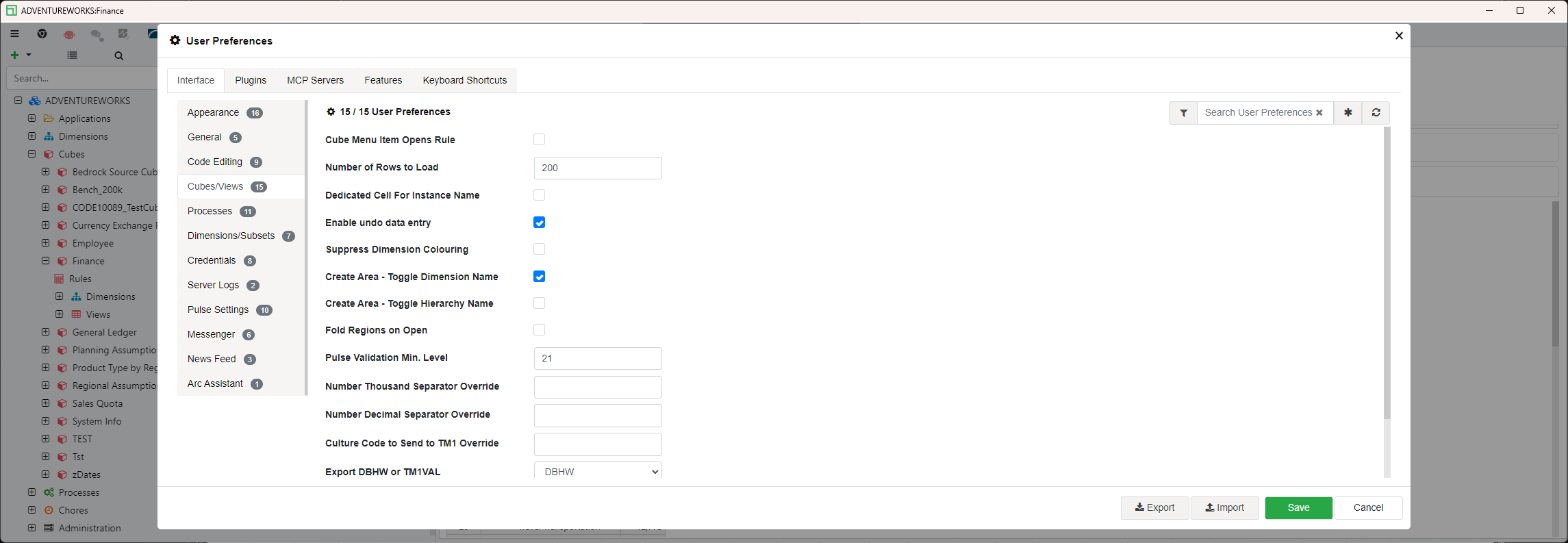
Number Thousand Separator Override
Number Decimal Separator Override
If these are empty, the Arc default from step 3 applies. If they are filled, they win.
These are per-user, so this is the setting to check when one user sees a wrong value and everybody else on the same instance is fine.
5. Browser
The browser language should not interfere any more, but it did before the last patch, so always ask the customer for it anyway when you open the ticket.
Where to find it:
Chrome / Edge:
Settings > LanguagesFirefox:
Settings > General > Language
Or, faster, in the DevTools console on the Arc page:
If the customer is on a version older than the last patch, this is a real suspect and not just an informative field.