Export Slice
In the Slice Ribbon, click on Server Explorer:

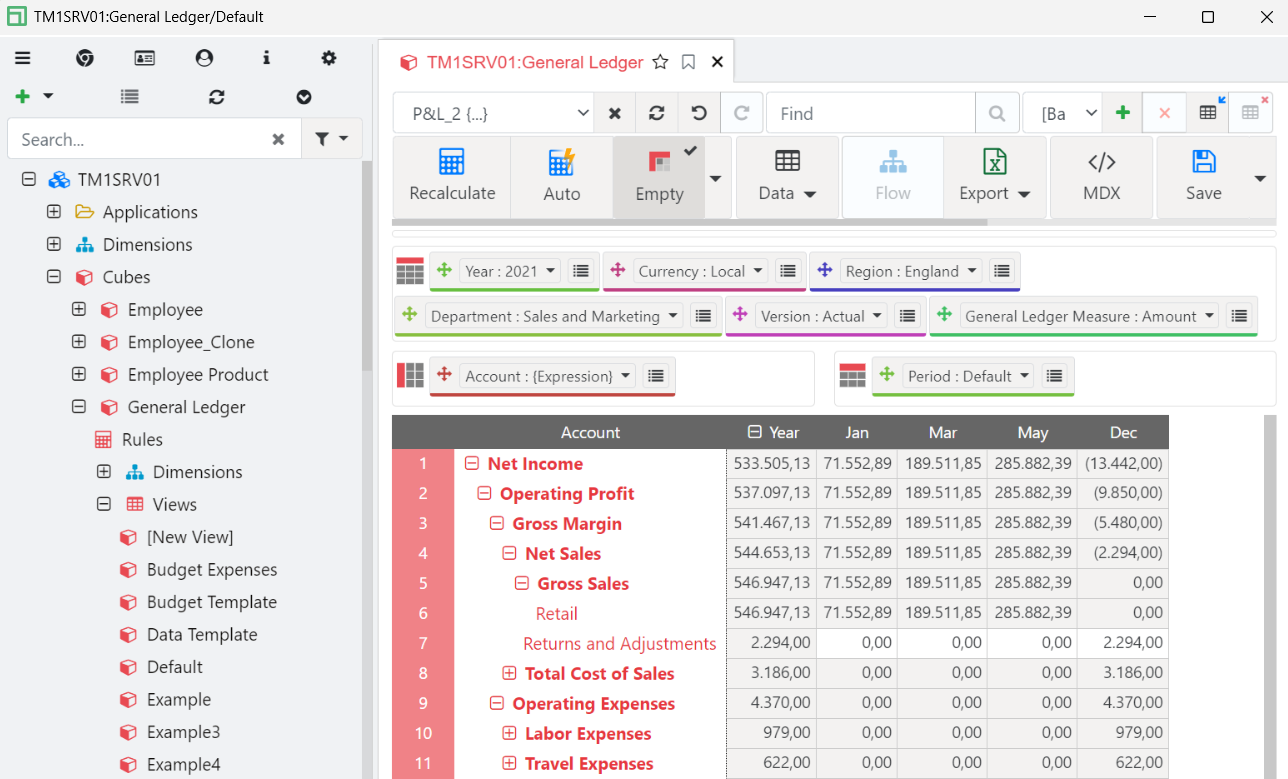
This will open the Arc Server Explorer, click on the instance TM1SRV01. To login enter (admin, apple). Open the P&L2 view of the General Ledger cube as below:
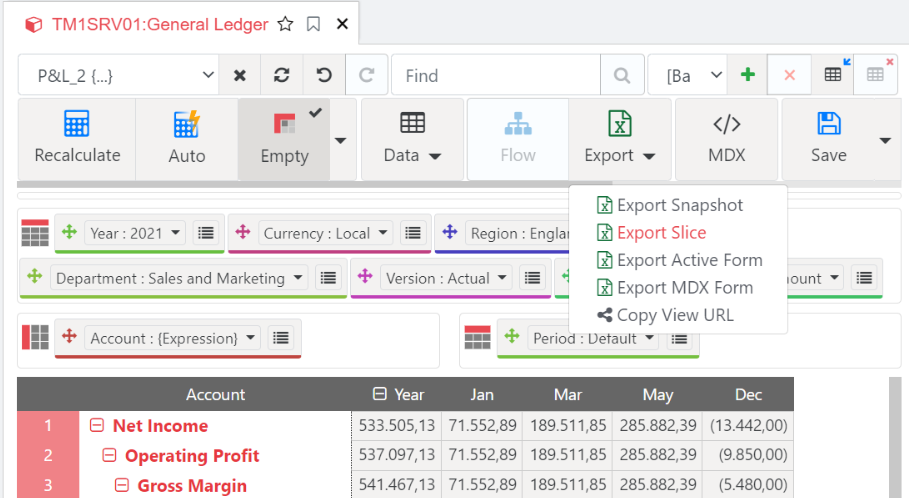
Click on Export and then Export Slice:
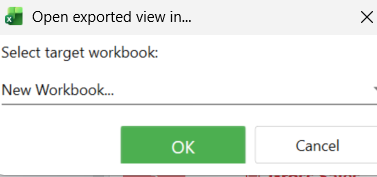
Select New Workbook and click OK:
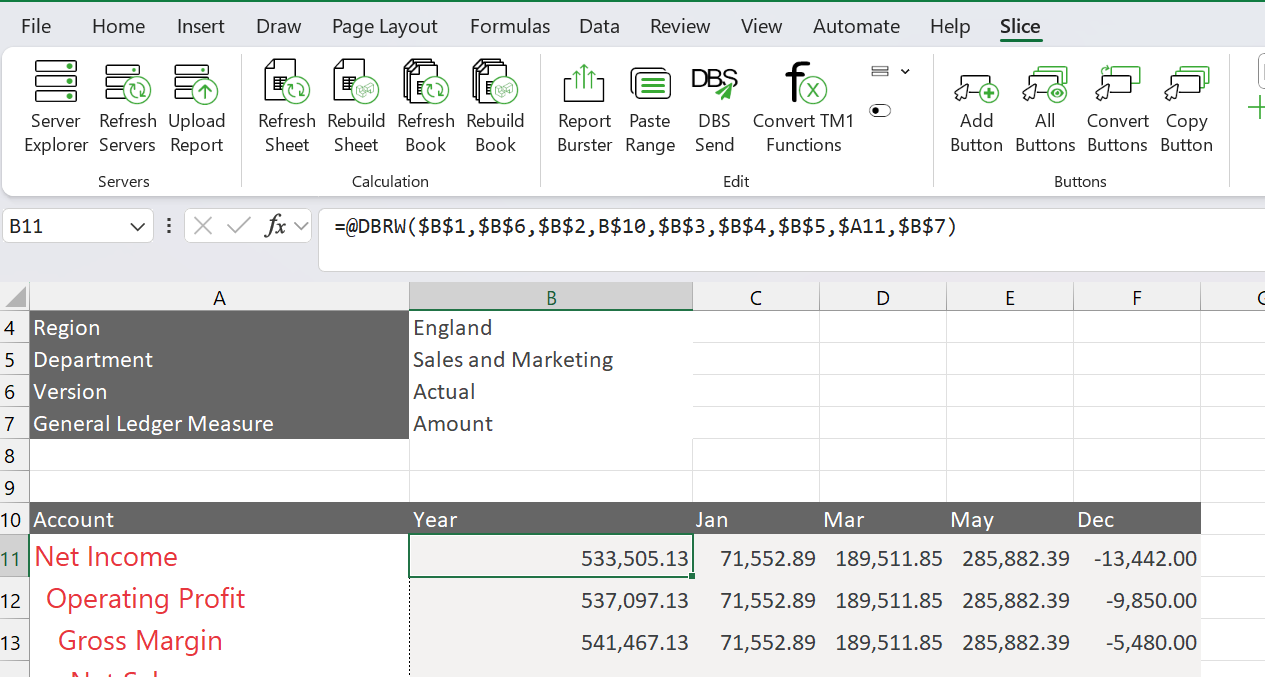
This would have exported the view into Excel with TM1 formulas. A Slice is the same as a Custom Report in IBM Planning Analytics for Excel. Where:
Data area contains DBRW formulas
Title area contains SUBNM formulas