Conditional Breakpoints
Add a condition to the breakpoint
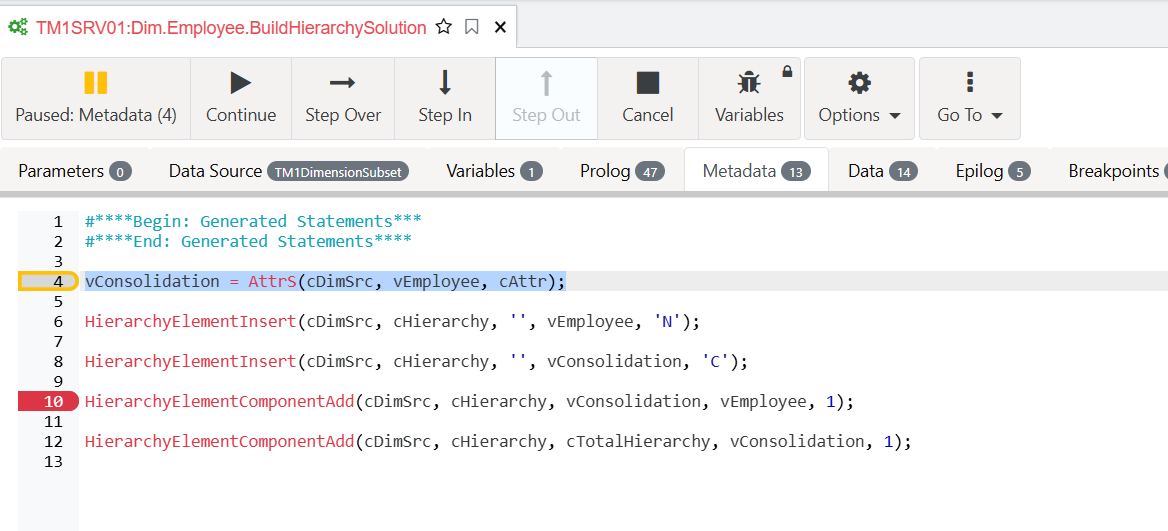
Instead of stopping for every employee, we can add an expression to our breakpoint to stop only for a specific Employee. Let’s add a new breakpoint in the Data tab:
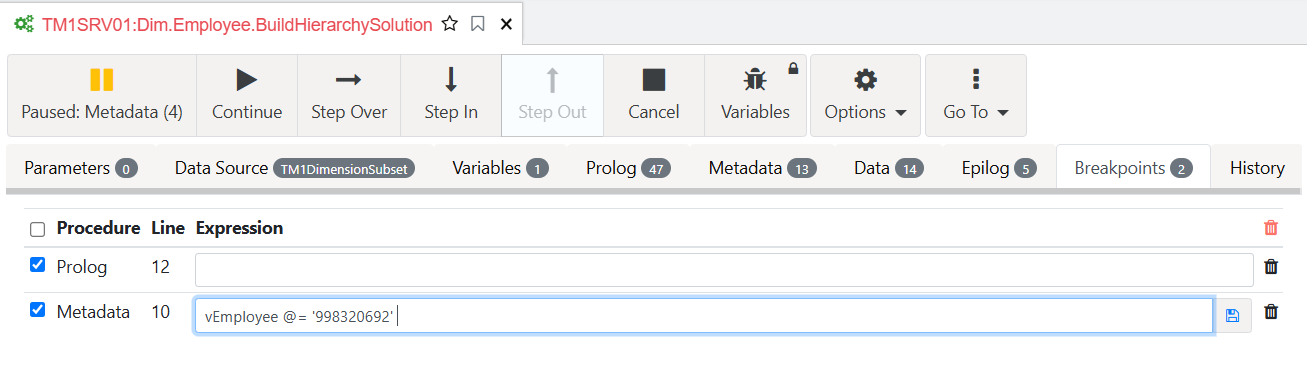
Add this condition in the Breakpoints tab then save:
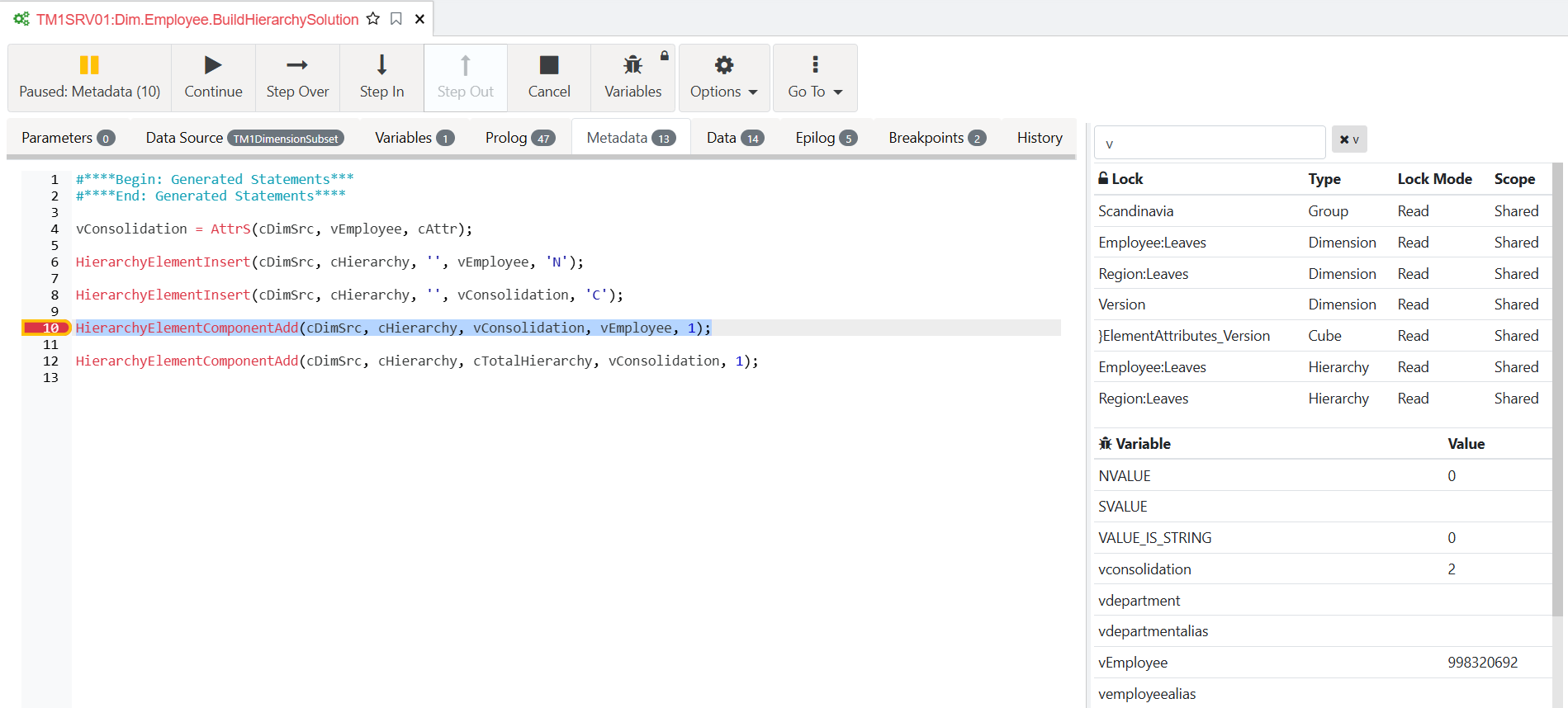
Run the continue button and you will see that the process will stop at employee ‘998320692’: