Microsoft Power BI REST API Setup Guide
Prerequisites
Microsoft Power BI Admin access is required to complete this setup.
Microsoft Azure Tenant Admin access is required to complete this setup.
Microsoft Power BI REST API App in Microsoft Azure
This step requires Microsoft Power BI administration privileges.
Open the URL: https://app.powerbi.com/embedsetup.
Click on “Embed for your organization.
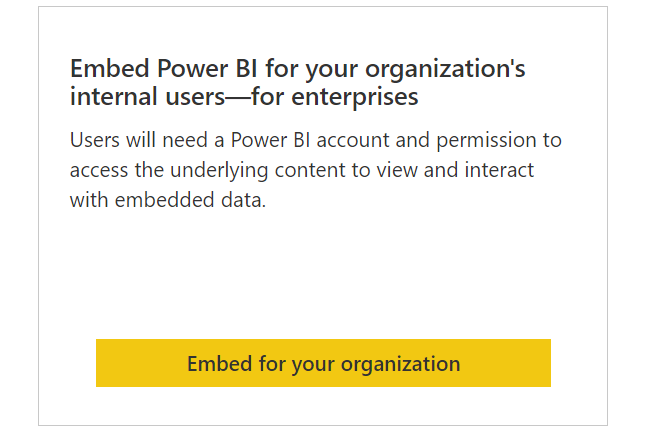
Sign in. This step requires Microsoft Power BI administration privileges.
After completing the sign-in, click on “Next”.
Provide the information below to register your application:
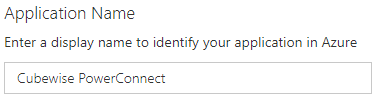
Application Name (can be customized).
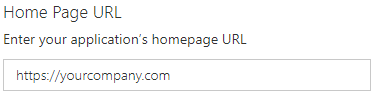
Home Page URL (can be customized).
Redirect URL (cannot be customized).
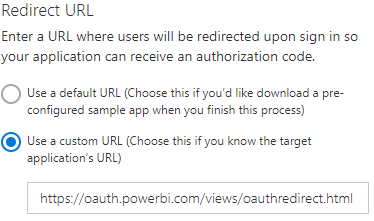
Value: https://oauth.powerbi.com/views/oauthredirect.html
Select the following permission only.
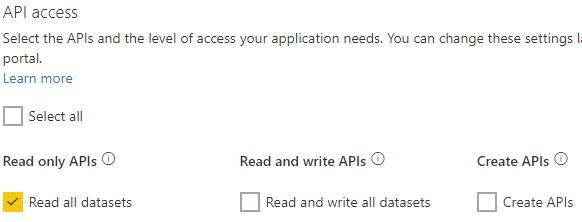
Click on Register.

The generated Application ID and Application Secret need to be provided to Cubewise.
Application Consent
For end users to access the registered Microsoft Power BI REST API app, admin consent is required.
This step requires Microsoft Azure Tenant Admin privileges.
Please follow the instructions in the link below to grant admin consent for the registered app from Step 1
https://learn.microsoft.com/en-us/azure/active-directory/manage-apps/grant-admin-consent?pivots=portal .