Configuring Row Level Security (RLS)
After joining the tables, row level security can be applied to the dataset. Open the “Manage Roles” dialog.
Click on “Create” and give the role a name. In the example below the name “Stores RLS” was chosen.
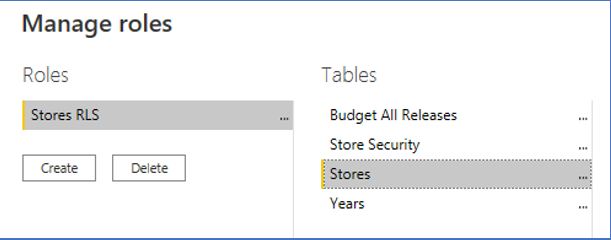
Click on the table for the dimensions, which has element level security applied.
To generate the DAX expression, you will need the following information
Name of the dimension table
dimTableColumn name in dimension table, which contains the elements (by default the first column)
dimTableColumnName of the table, which contains the element level security information
dimSecTableName of the column, which contains the elements in the security table (by default the first column)
dimSecTableColumn
The DAX expression will follow the syntax below:
Using the example in the Star Schema section above, the result would be as follows:
It is possible to configure DAX expressions for multiple dimensions.