Remove all TM1 formulas
Now let’s write an average formula in the last column and copy it down.
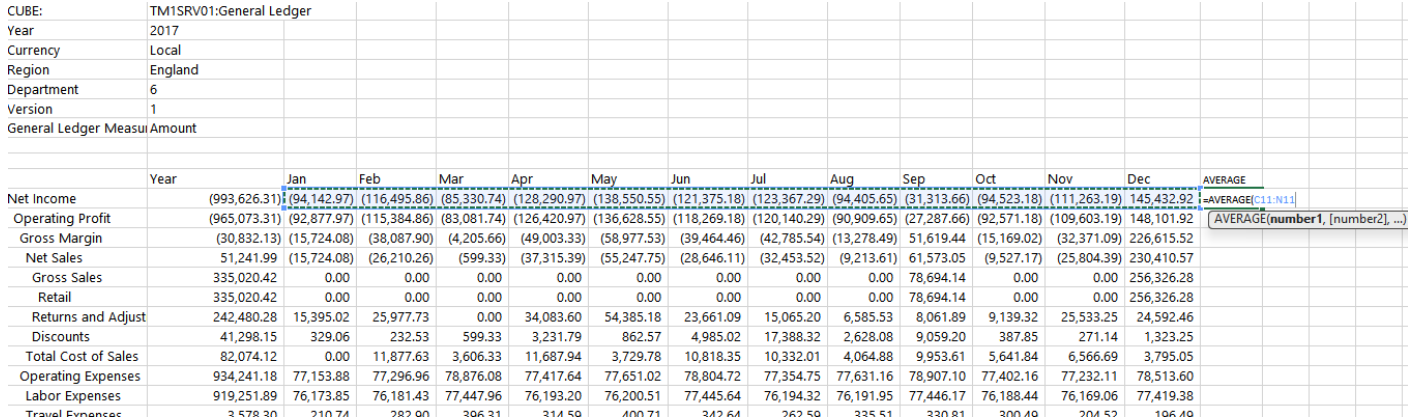
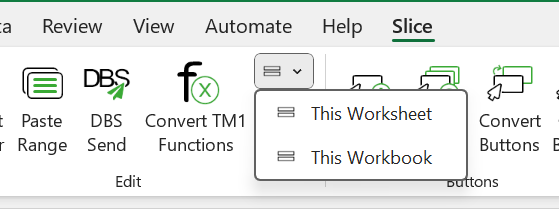
Note: By default, the Slice add-in will disable the excel automatic recalculation. So, once you have inserted a formula you can click on the Refresh Sheet button to recalculate or you can do it using the shortcut SHIFT+F9. Then let’s remove all TM1 formulas, Convert TM1 Functions > This Worksheet:
You will see that only Excel formulas have stayed.