Improving Slice Excel Report Performance
Slice reports that rely heavily on DBRW functions can sometimes refresh more slowly than expected. If your reports don’t use subsets in DBRWs, a single setting change can noticeably speed up refresh times.
The “Support Subsets in DBRWs” setting
Slice includes a setting called Support Subsets in DBRWs, which is enabled by default.
DBRW functions in Slice can accept either an element or a subset as a parameter. This flexibility is useful, but it comes at a cost. When the setting is enabled, Slice has to perform an extra check on every DBRW to determine whether each parameter is an element or a subset. That additional check adds processing overhead and slows down report refreshes.
When to turn it off
If your reports do not use subsets in DBRW functions, you can safely disable Support Subsets in DBRWs. Slice will then skip the extra element-versus-subset check, and your report refresh times will improve.
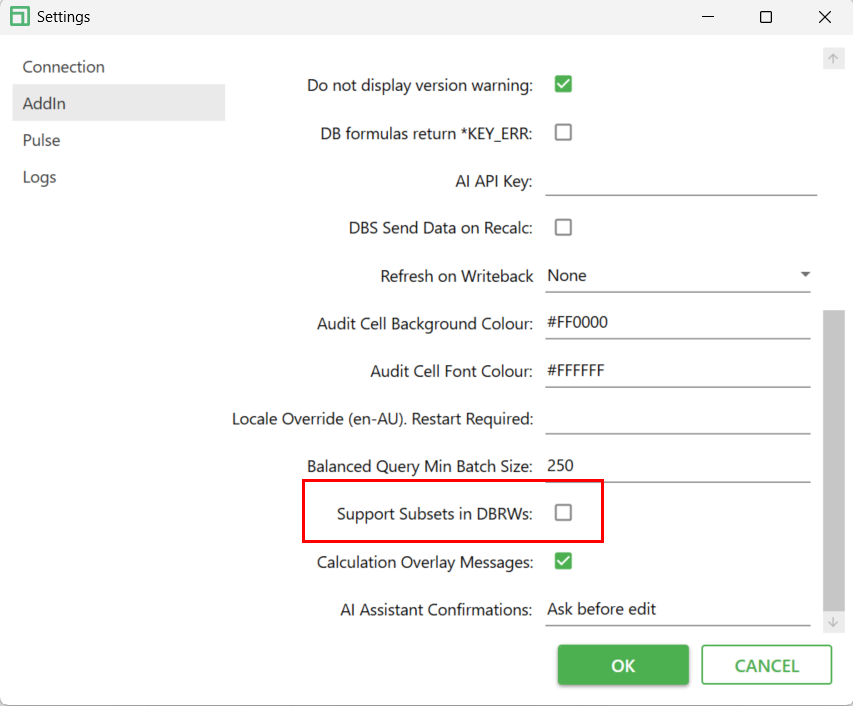
If any of your reports rely on passing subsets into DBRWs, leave the setting enabled.