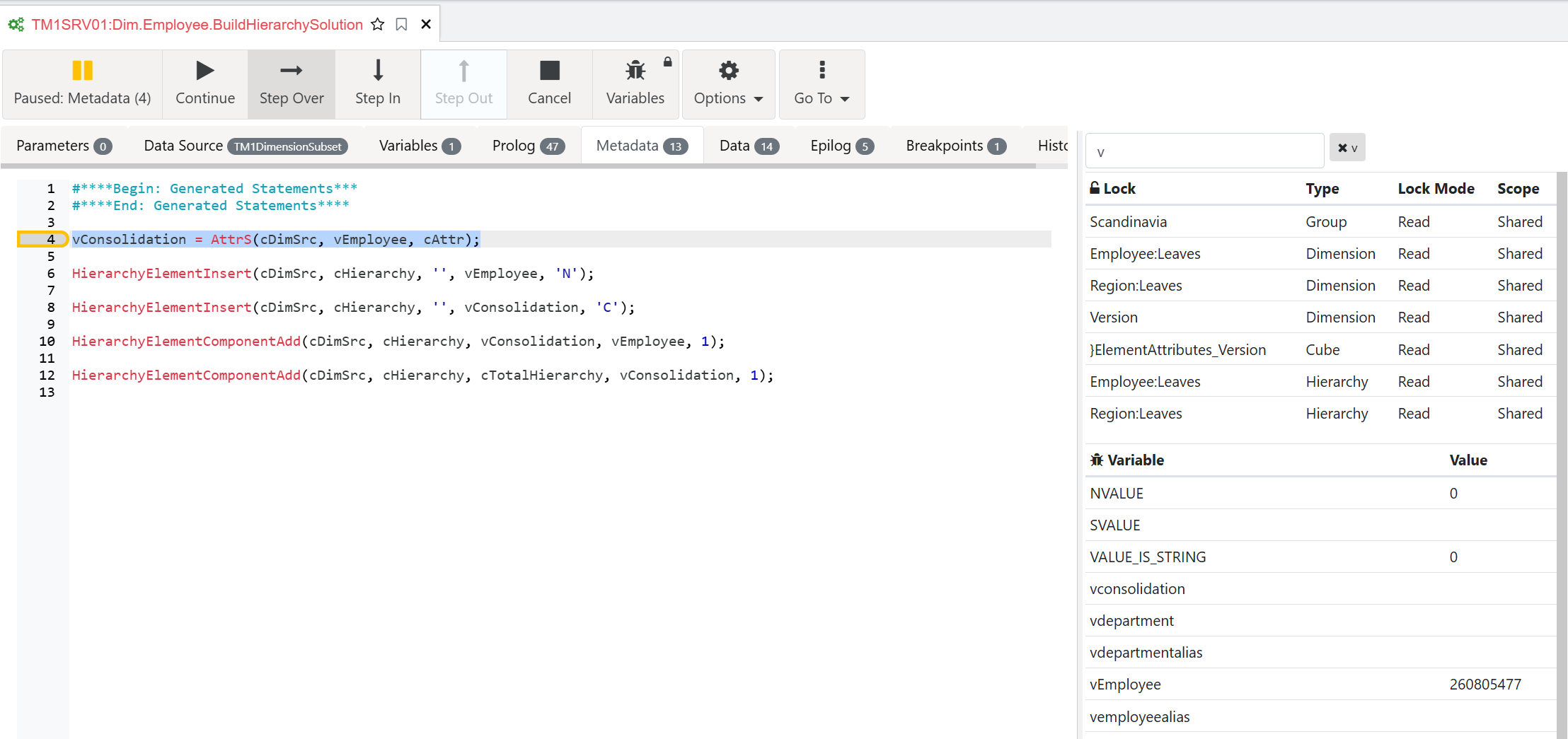
Debug your first process
In this exercise we are going to step through the process built previously, Open the TI:
Dim.Employee.BuildHierarchy.Department
If your process is not working, you can continue the training using the process Dim.Employee.BuildHierarchySolution.
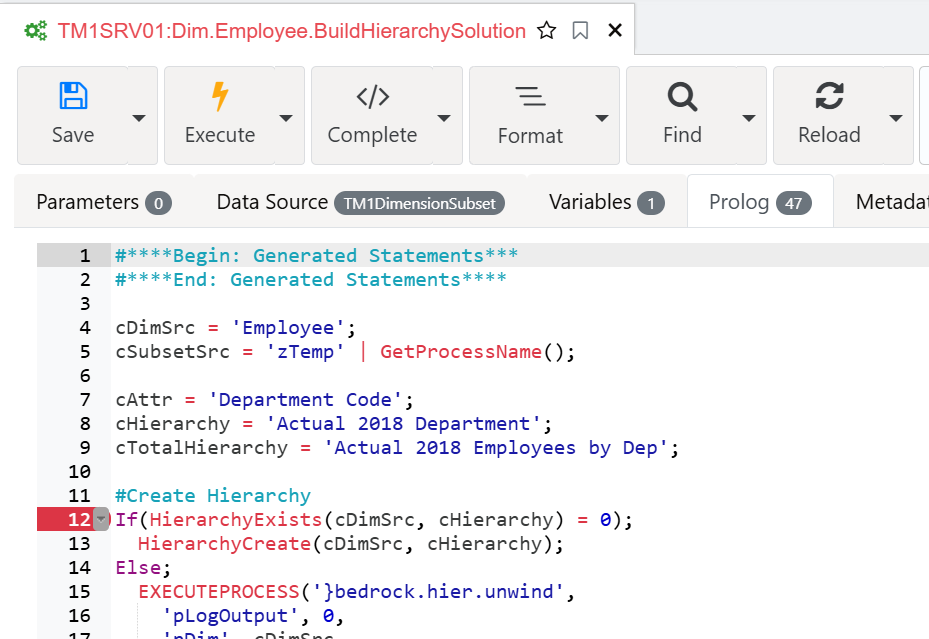
Before running as debug mode, we need to add a breakpoint to make sure the process will stop, just click on row 12 to add a new breakpoint:
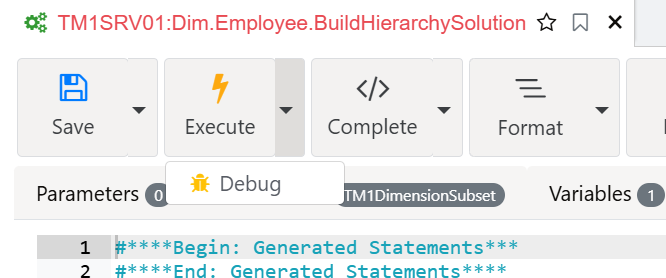
Run the process with debug mode:
Then click the continue button to see the values updating:
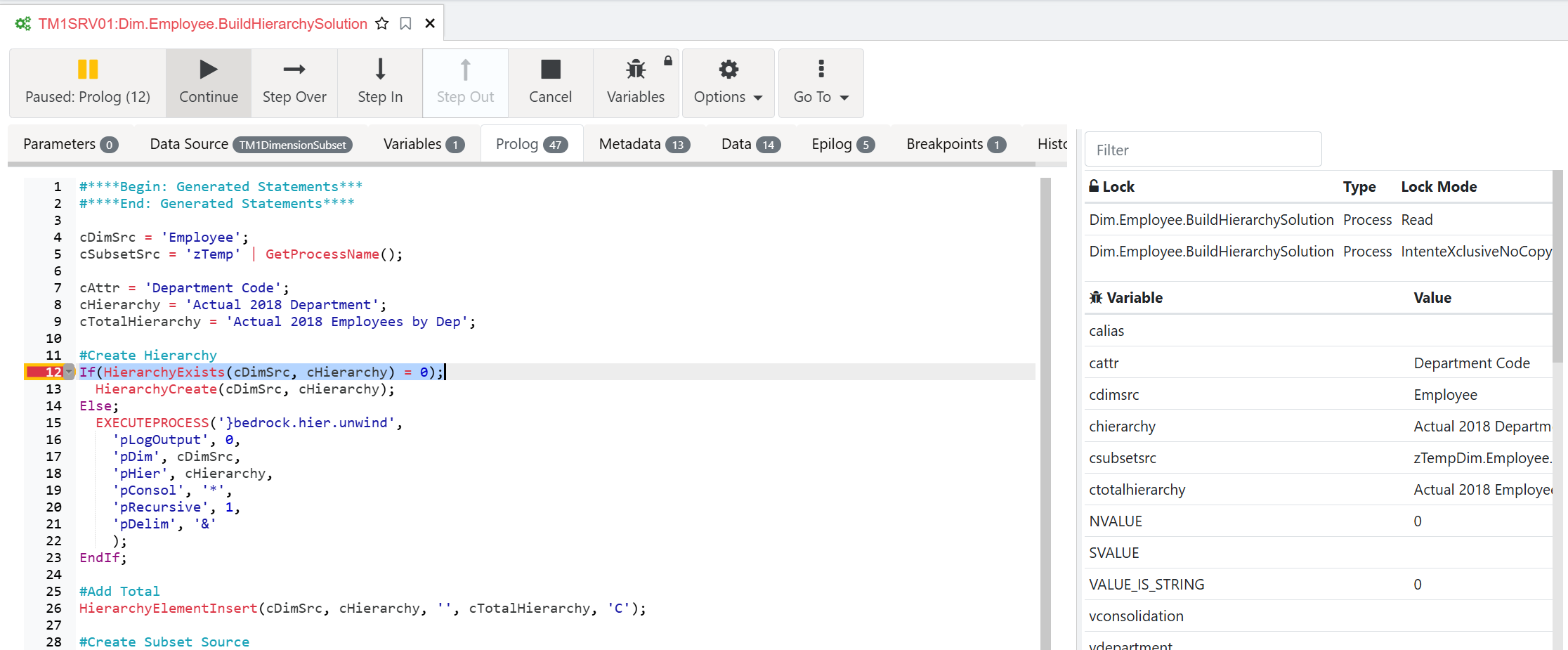
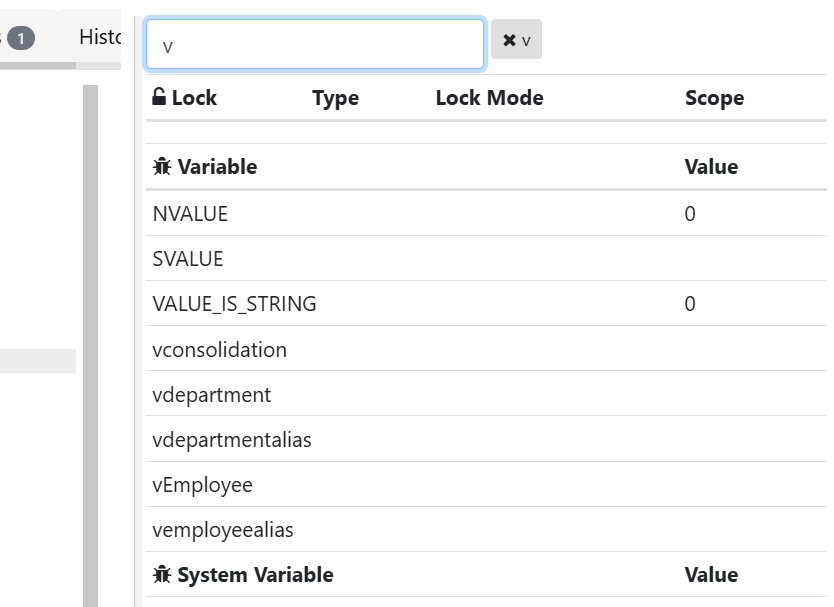
Filter the list of variables to show only the variables starting with v:
We then use the Step Over button to reach the data tab. We can see now that vEmployee has a value: