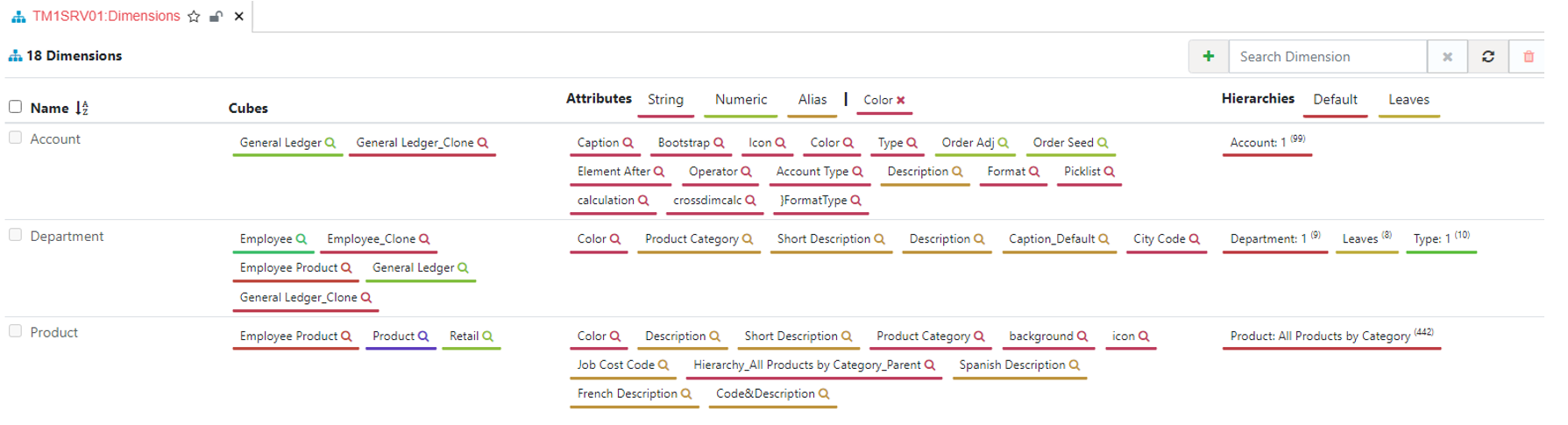
Dimensions Overview
To access the dimensions summary page, from the left menu, just click on the item Dimensions. It will open a new tab containing the list of all dimensions in the instance TM1SRV01.
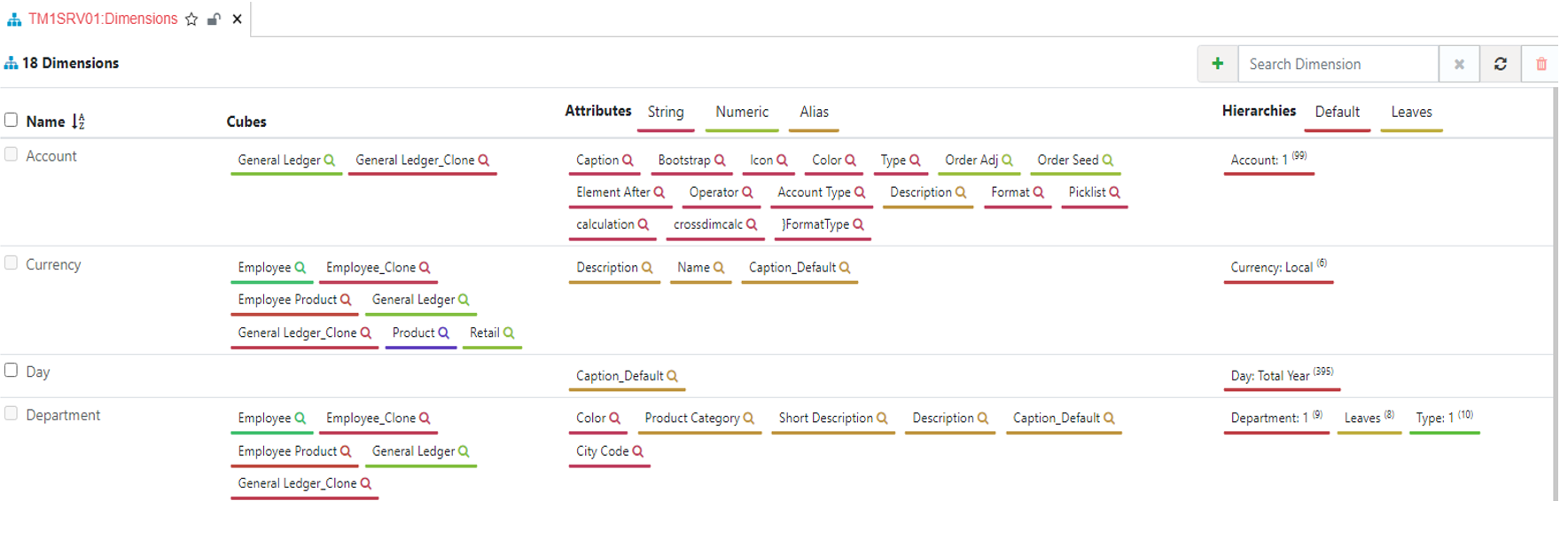
Filter by Text
In this tab you can use the search box from the top right to filter all dimensions containing the text measure:
Find dimensions by cube
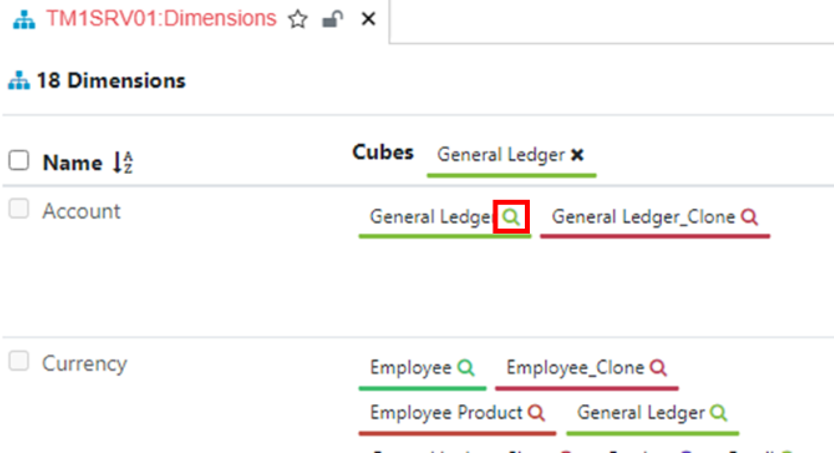
To see all dimensions used by a cube, click the little search icon of a cube you want to filter with. Below we can see the list of all dimensions in the Employee cube:
Filter dimensions by parameter
The same feature can be used with attributes, click on one attribute search icon to filter the list of dimensions. For example, below we filter all dimensions with Color as one of their attributes: