Collections
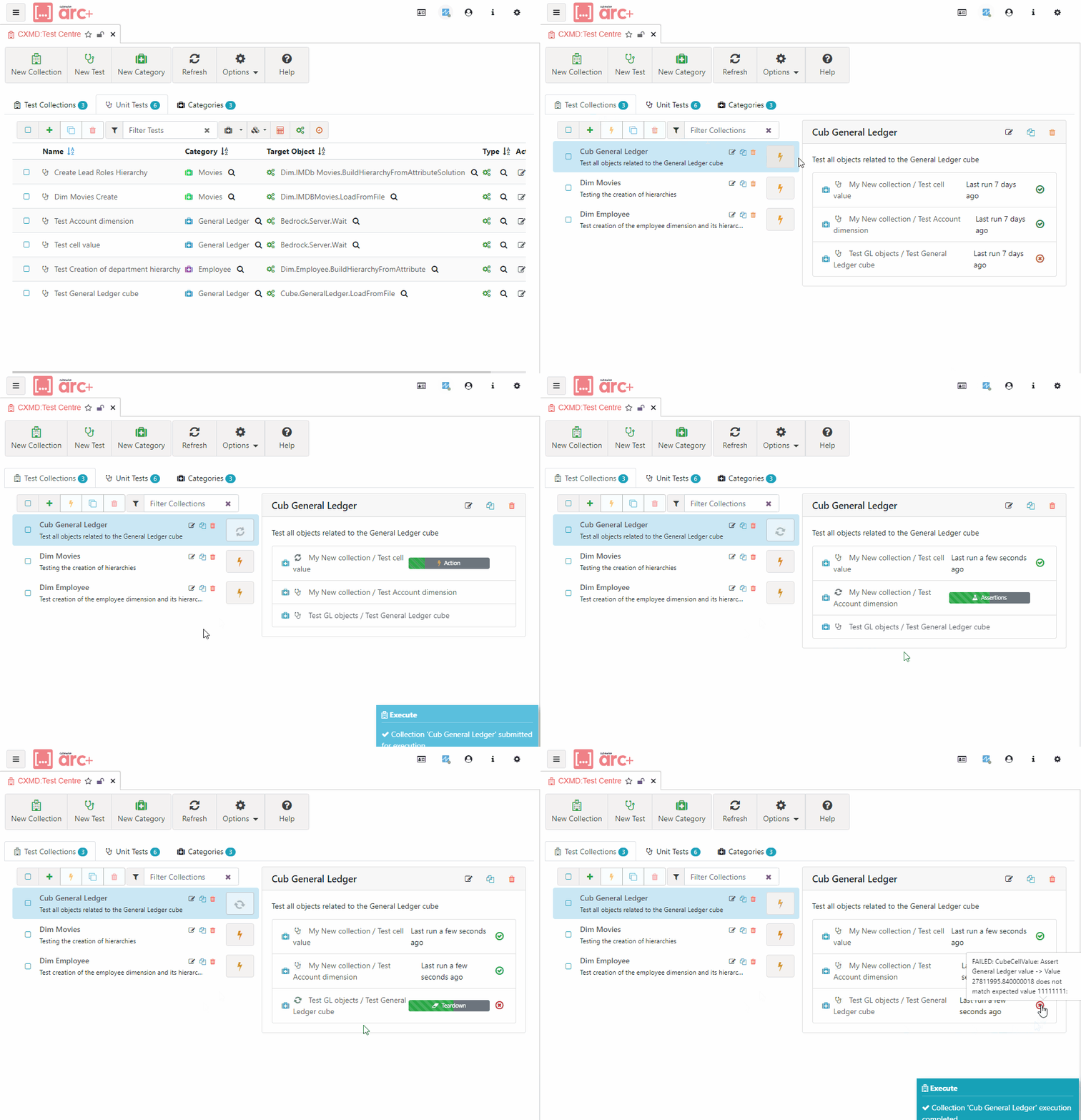
A Collection defines a group of related Unit Tests designed to thoroughly test a particular module or feature.
It provides a way to bundle together tests that are intended to be executed together, in sequence. A Unit Test can belong to more than one Collection making Unit Tests reusable.
The Collections tab displays the list of defined Collections. To edit, click the Collection name, or the edit button to the right of the Collection. To create a new Collection, click the New Collection button.
Properties
Label: (
Label string) A human-readable name for the collection. This is used in test reports and logs to identify the collection.Description: (
Description string) A detailed explanation of what the collection is. This helps in understanding the purpose of the collection, especially when it contains a large number of entries.Entries: (
Entries []CollectionEntry) A list of entries that are part of the collection. Each entry represents a single unit test or another collection, each of which will be run when the collection is executed.