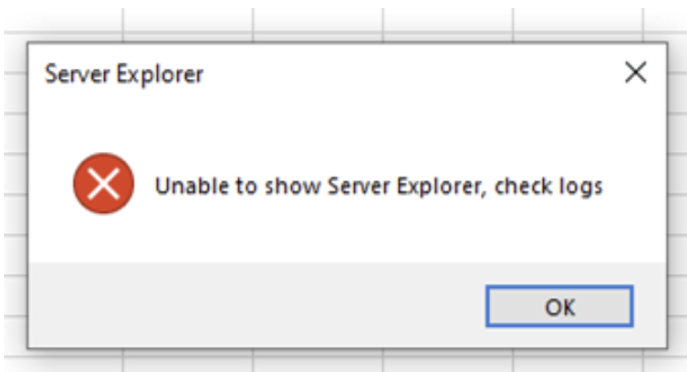
Unable to show the Server Explorer
If users click on Server Explorer immediately after loading the Slice add-in, they might see an error message stating, “Unable to show Server Explorer.” This problem typically arises when antivirus software prevents the EO browser, which Slice relies on, from being launched by Excel.