Using OpenID to login to Pulse
Pulse supports OpenID authentication such as authentication using OKTA or AzureAD. To configure it, you need to go to Administration > Configuration.
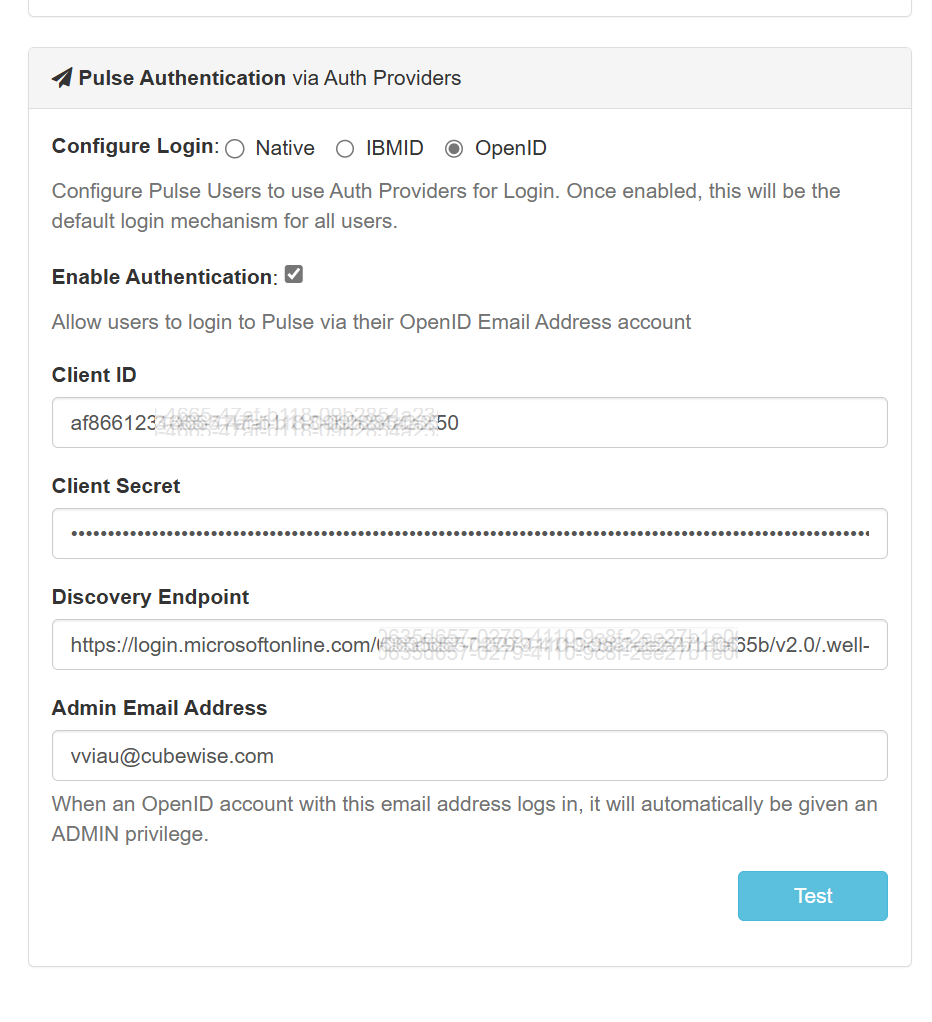
OpenID settings in Pulse
Under Pulse Authentication, tick OpenID and enter the following information as per the screenshot:
Register the redirect URL
Then you need to register the following URL in your OpenID provider.