Live Monitor
The Live Monitor gives you lots of information about a TM1 instance:
Monitor
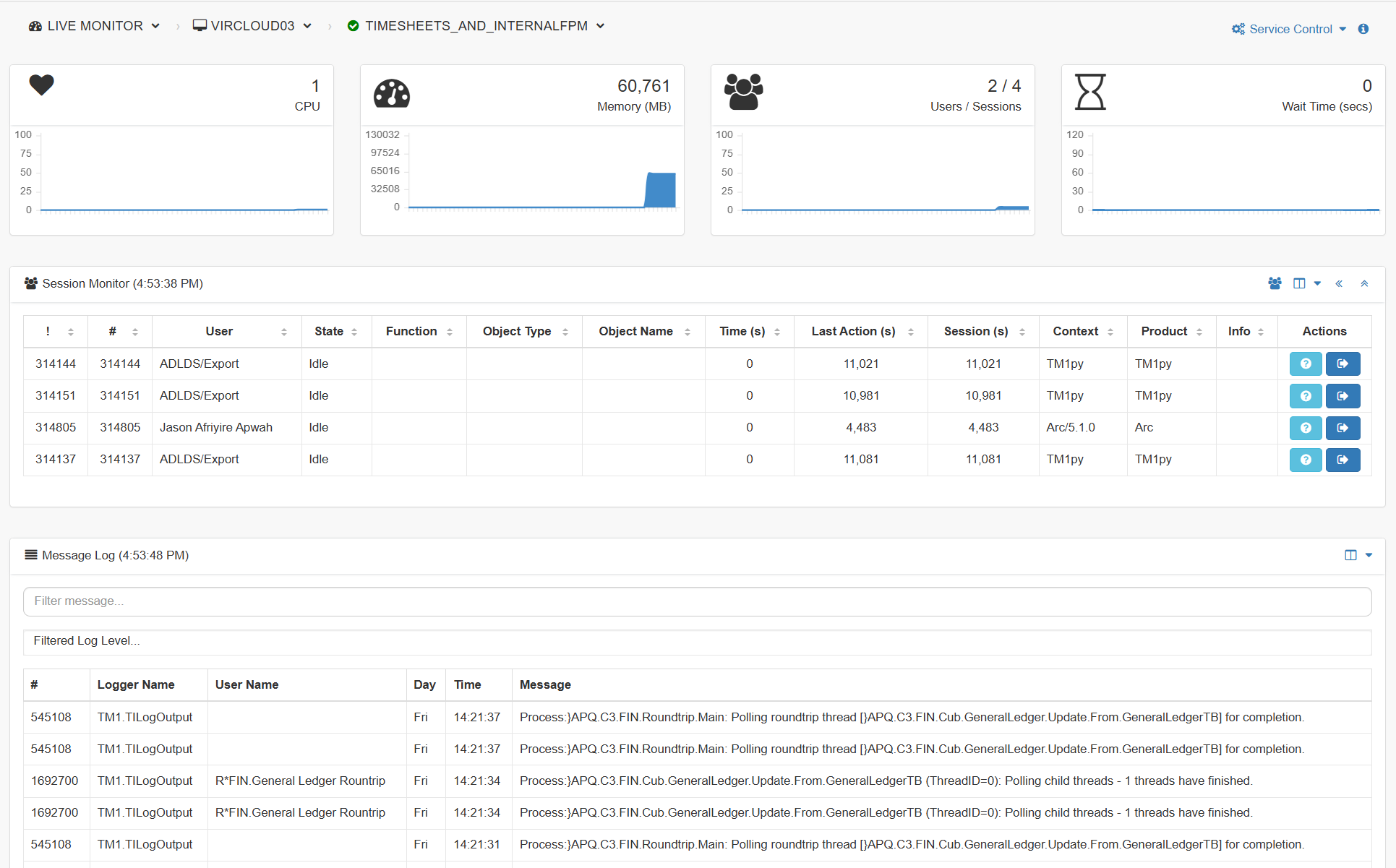
In the Monitor, you can see some key KPIs about the instance (CPI, Memory, Users and Wait time):

Click on Service Control to restart the instance.
Session Monitor
Below you will see the list of sessions:

There might be lots of sessions, you can click the Hide Idle button to only show the active sessions (Sessions running something):
There are more options to filter the system or Pulse threads and also to show/hide columns:
In the last column:
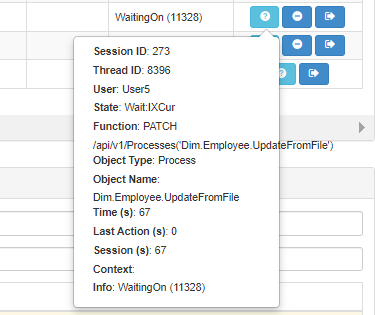
See the detail about the session
Cancel a thread
Disconnect the session
Message Log
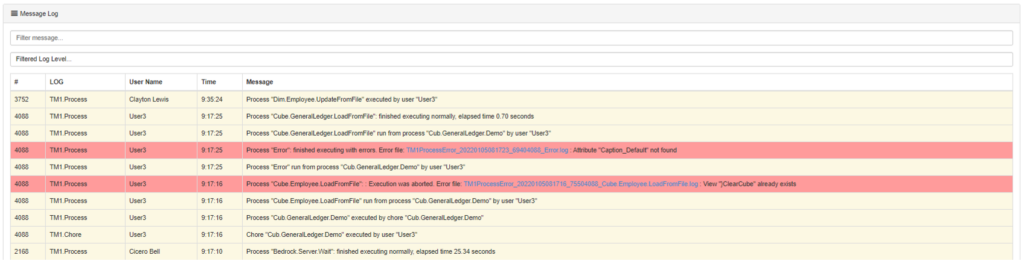
Below the session, you will find the TM1 message logs:
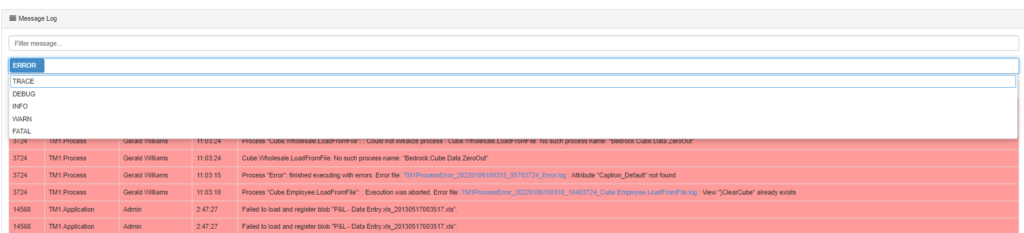
Pulse enables you to filter the list by error type such as showing only the ERROR: