Debugging Server Explorer in Slice
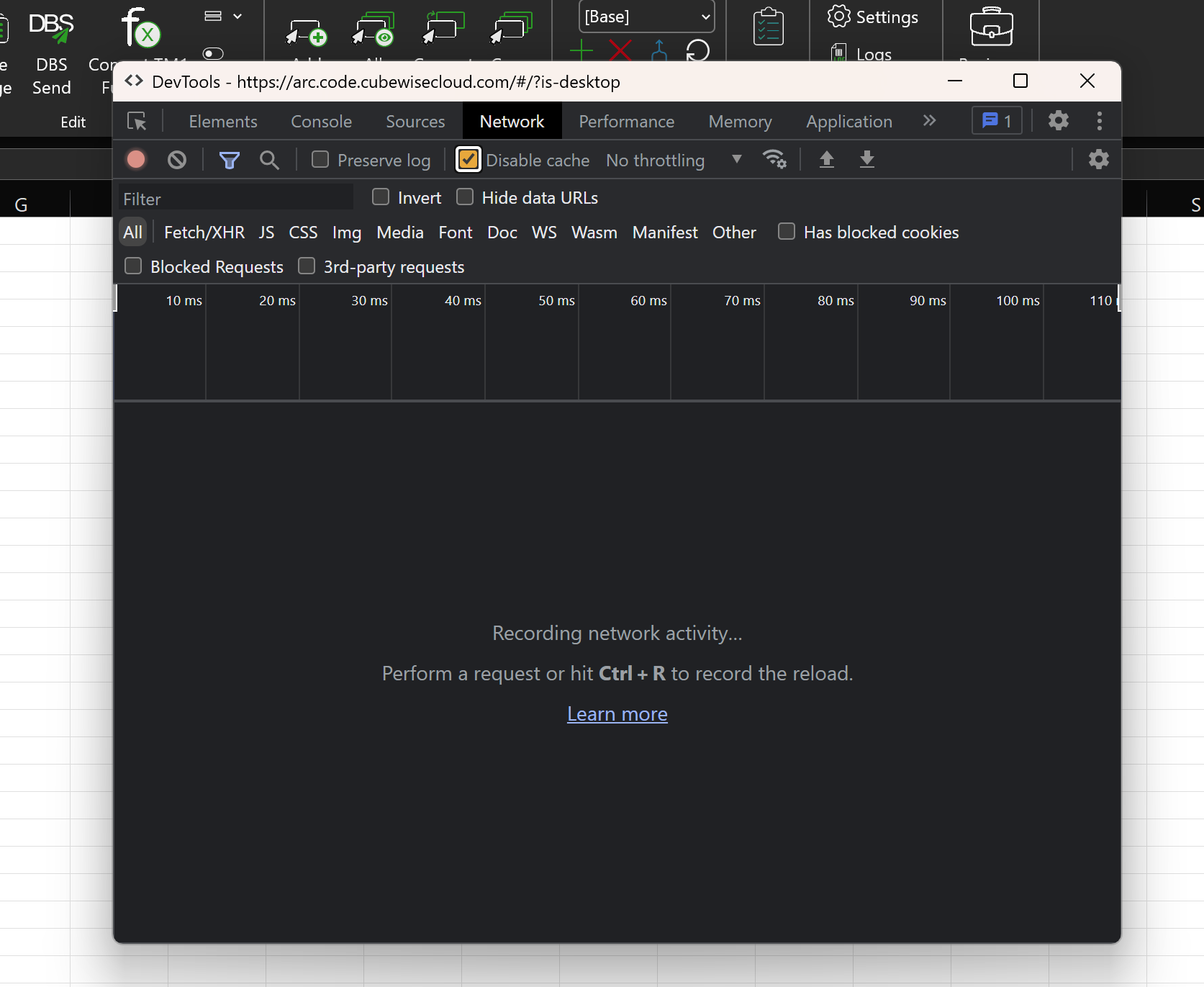
Server Explorer in Slice is a Chromium-based web browser. To access the Dev Tools of Server Explorer, start Server Explorer first, select any cell in a worksheet, and press CTRL + ALT + D.
You will see the Debug UI.
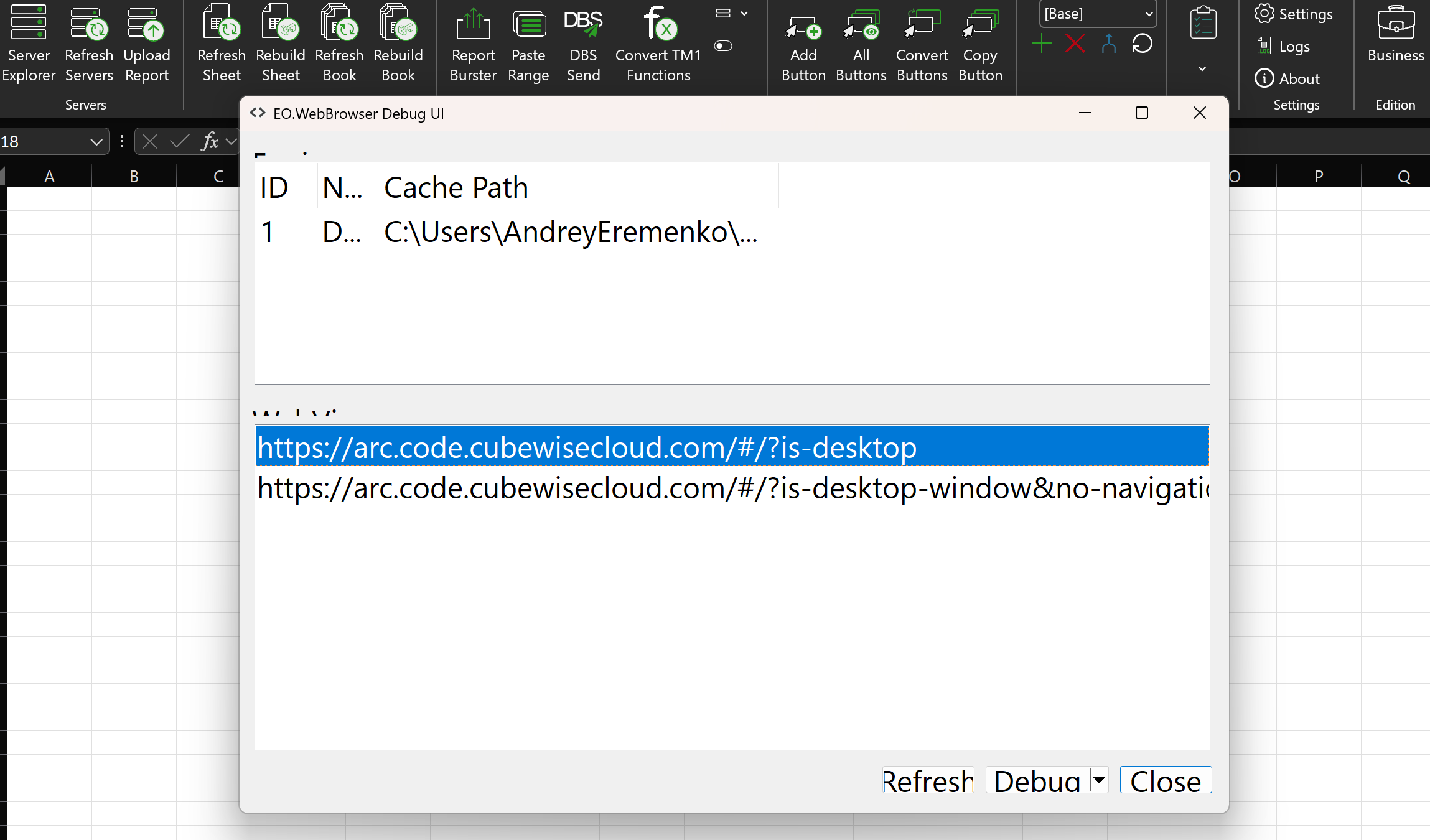
Server Explorer, Subset Editor, Drill Through, etc., each has its own window shown in the list. The first item is normally the Server Explorer. Select one entry and click on the Debug button. This will open the DevTools of Server Explorer, which is exactly the same as in the Chrome browser.