Filter Pulse Notifications
By default, Pulse creates a notification message when an alert is triggered and when a change has been made in any TM1 object.
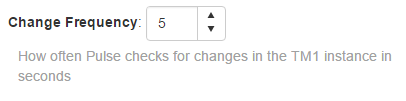
Pulse checks for changes at a specific frequency defined in the Pulse instance settings. In the example below, Pulse will check for changes every 5 seconds.
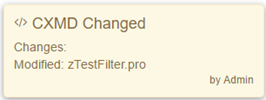
The notifications will appear as a new message box at the bottom left of your screen:
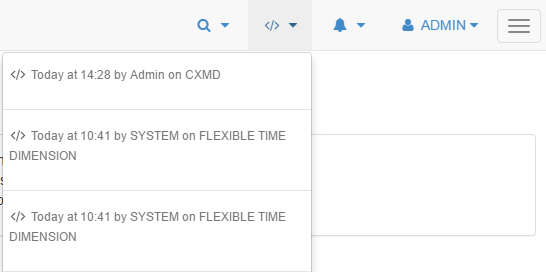
You can see all notifications in the drop down list at the top right of the window:
Since version 5.3, in the About page you can now filter the notifications in the Settings tab. You can tick Hide notifications, if you do not want to see any notifications:
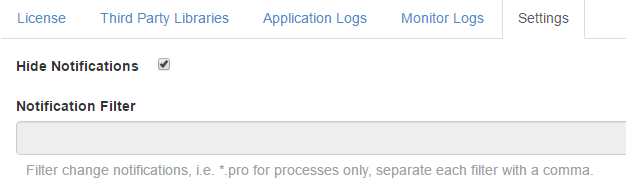
Or you can apply a filter on the notifications. For example if you add *.pro, Pulse will create a notification message only if a change has been made on a process.
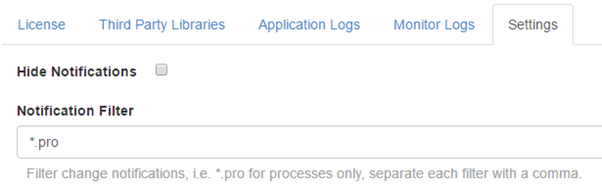
With this *.pro as a filter, If a rule file is updated, Pulse will not create a notification.