Sessions
Let’s have a look now at who is logged in to your TM1 instance, Arc comes with a Sessions tool to see everyone who is currently logged in:
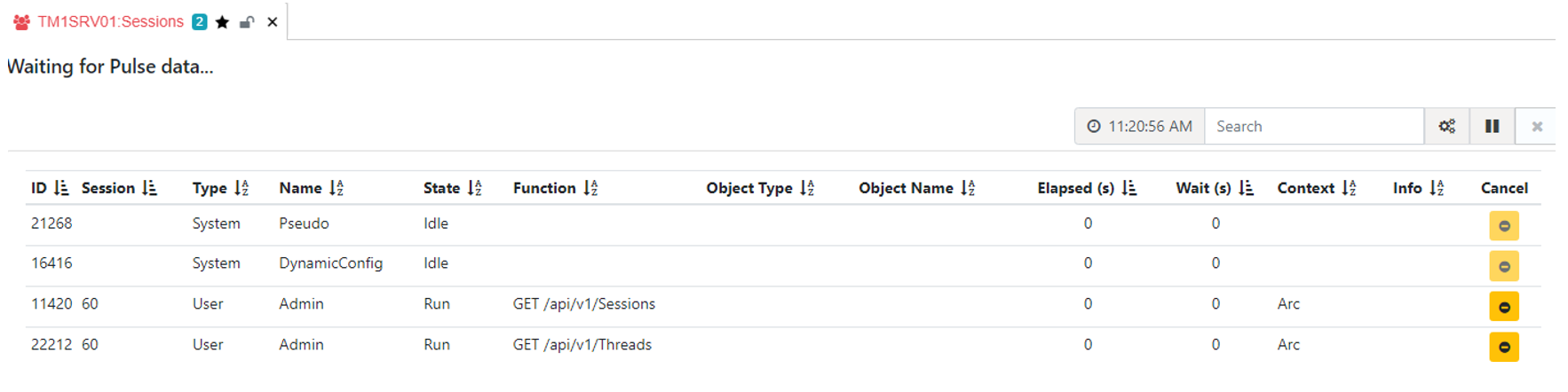
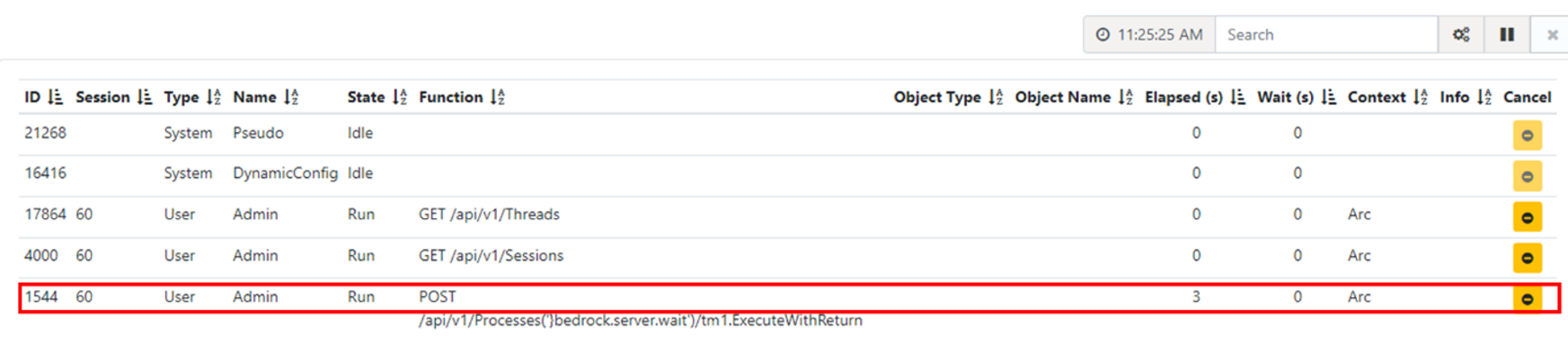
From the Sessions, you will be able to see the process running, you can also click the Cancel button to stop the process.
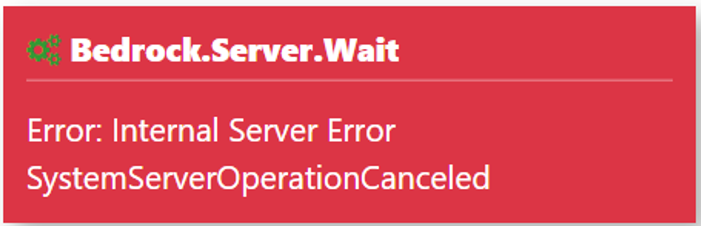
Once the process has been cancelled, a red alert will pop-up from the bottom left of your screen: