Cubes Overview
Accessing the Cube summary page
To access the cubes summary page, from the left menu, just click on the item Cubes:
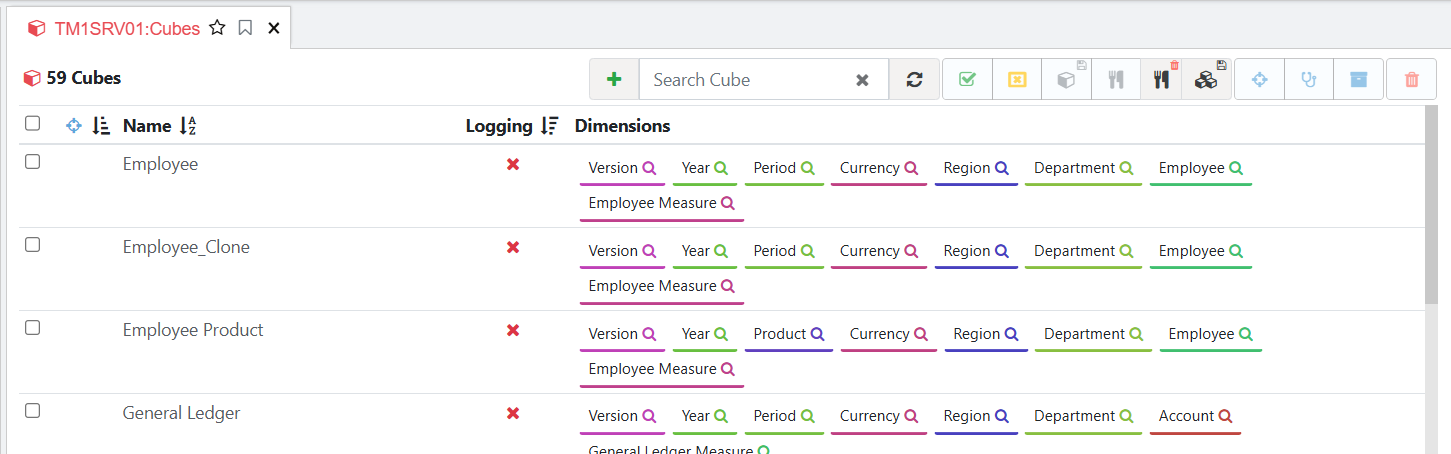
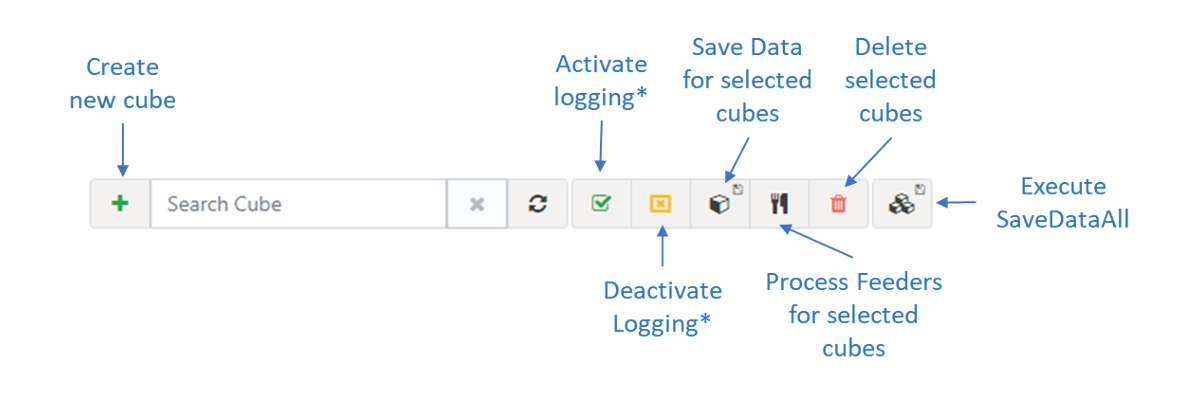
This page contains lots of features, to active all buttons, you will need to select few cubes, for example you can tick the Employee and General Ledger cube. There are many things you can do in this page:
Filter cubes by text
In this page you can also use the Search box to filter the list by text as below:

Filter cubes by dimension
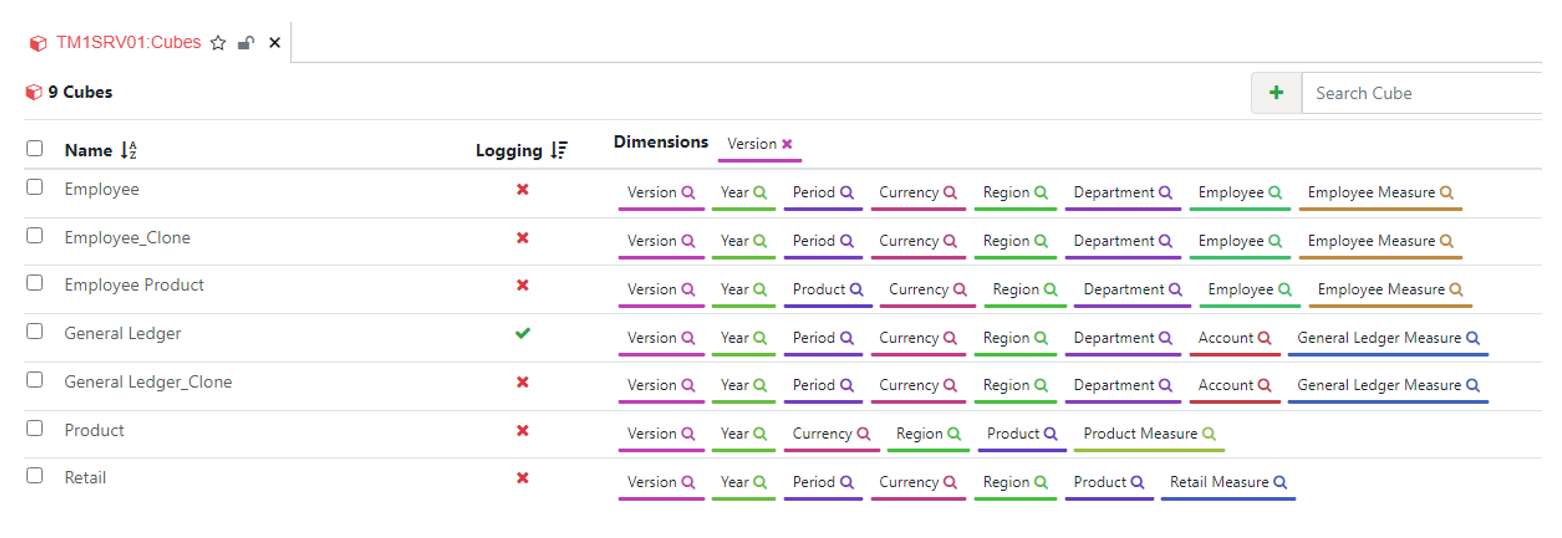
You can click on the search icon for a specific dimension to filter the list of cubes. In the example below, the search icon on the Version dimension was clicked to show all cubes with a Version dimension: